




Savaspin App
With the Savaspin app, we make it easier for you to return to our casino without extra steps. Once you save the shortcut, Sava Spin Casino opens in one tap on mobile or desktop. It is a practical format for players who want fast access in everyday use.




Benefits and Features of the Savaspin App
We designed the Savaspin app to make everyday access easier. It gives you a quicker way to open our casino without turning mobile play into a separate product with different rules or limited functionality.
Key benefits of the Sava Spin app include:
- one-tap access from your home screen or desktop shortcut
- the same account on mobile and desktop
- quick entry to games, deposits, withdrawals, bonuses, and support
- no need to install a separate APK
- a simple setup for short sessions and everyday account tasks
This format works well because it saves time in everyday use. You open Savaspin Casino faster, return to your account more easily, and keep the same experience across devices. The app gives you a practical way to reach our casino without adding extra steps.
Key Differences Between the PWA Experience and Desktop Play
The main difference between the Savaspin app and desktop play is the way you open the casino. On a desktop, you usually start from a browser tab. With the app shortcut, Savaspin stays on your home screen or desktop, so it is always close at hand. You tap once and go straight back to the platform.
Your account stays the same on every device. We do not split access into a desktop version and a separate mobile profile. You use one account throughout, and our rules follow that same approach.
Some users look for Savaspin APK, but that is not how we handle mobile access. Our PWA-style shortcut already does the job: it gives you a fast way in without a separate installer or an extra app to manage. Once the shortcut is saved, Sava Spin is ready whenever you want to return.
Desktop still has its own strengths. A larger screen gives you more room and makes longer sessions feel more comfortable. The app works better in a different way. It is the more practical option when you want to open Savaspin Casino quickly and get started right away.
The comparison below shows where each format works best.
| Aspect | Savaspin App Shortcut | Desktop Play |
| Access | Opens in one tap from home screen | Opens through browser tab or saved shortcut |
| Best for | Quick sessions, balance checks, play on the go | Longer sessions, bigger screen comfort |
| Screen space | Compact and touch-friendly | More room for games, cashier, and support |
| Account use | Same login and account as desktop | Same login and account as mobile |
| Installation | No APK or store app required | No separate installer required for shortcut access |
Sava Spin App for Android
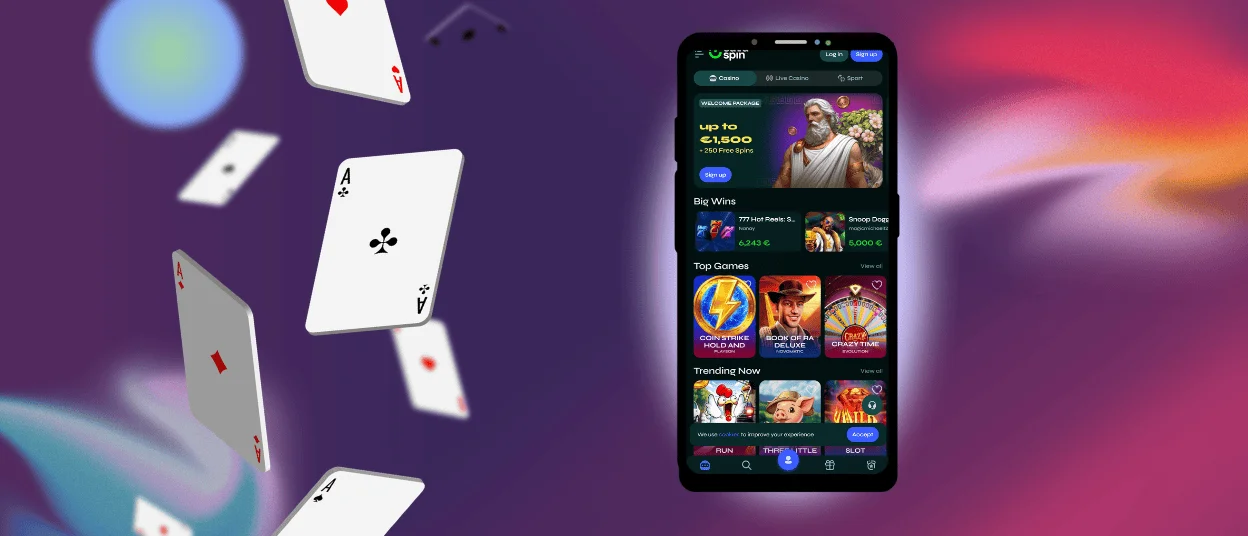
The Savaspin app works especially well on Android, not only for play, but also for everyday account use. Your phone is usually the device that stays with you throughout the day, so it makes sense to have quick access to the parts of Savaspin that players often need between sessions. That includes the account area, profile details, and verification steps that are easier to handle the moment they come up.
This makes the Android version useful in a practical way. You might open Sava Spin to check information in your profile or update an account detail without waiting until you are back at your computer. The same goes for verification. If we ask you for documents, you can handle that step on Android as well, without switching to a desktop just for one account task.
Mobile Application for iOS
On iPhone and iPad, the Savaspin app gives you a practical way to use our casino in a format that feels natural on a smaller screen. You open the same platform, use the same account, and move through the same core functions without switching to a separate mobile product.
That matters for payments as well. Deposits and withdrawals follow the same general flow as they do on the site, so mobile access does not change the way you manage your account. This makes the iOS version useful not only for play, but also for routine account actions when you want to handle them from your phone.

Play Savaspin Casino on Mac or Windows
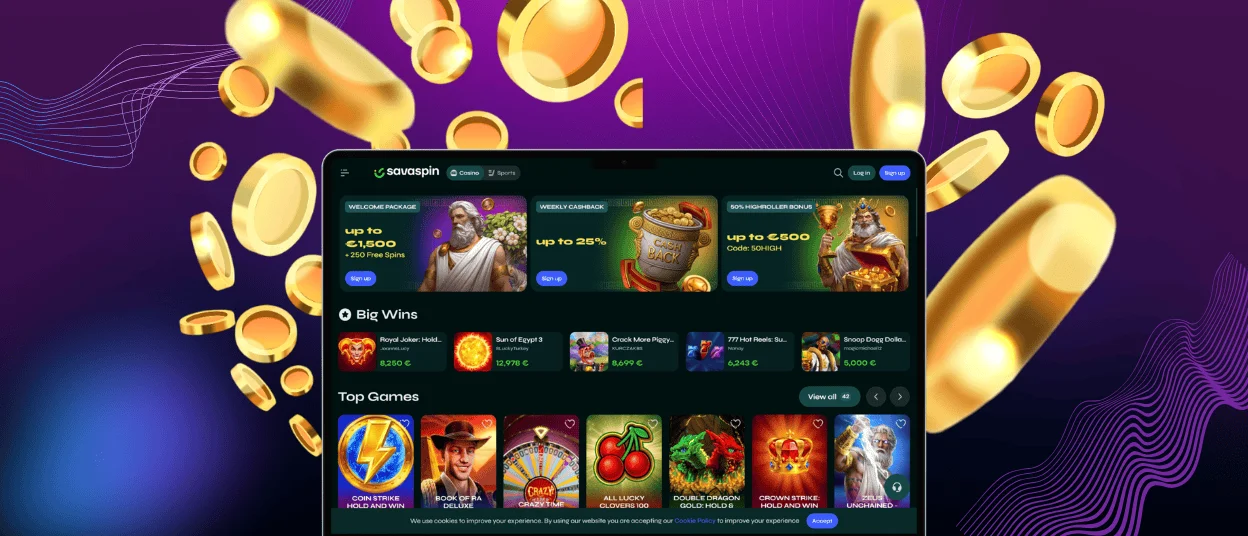
Mac and Windows users can use the same shortcut format for direct access to Sava Spin. Some players prefer desktops because the larger screen gives more space for browsing and longer sessions. We keep that advantage in place, but we also make repeat access easier. Save Savaspin as a desktop shortcut, and you can open the casino directly instead of searching through your browser every time.
This is especially useful for regular play. You keep the platform one click away while still using the screen space that desktops handle best. It is a small improvement, but it makes the routine cleaner.
How to Install the Savaspin App on Any Device
We do not ask you to go through a long installation process. The Savaspin app does not require a separate store download, so you can add it as a shortcut and keep it ready on the device you already use.
Here is how to add the Sava Spin shortcut on each device:
- Android: open Savaspin in Chrome and add the site to your home screen
- iOS: open Sava Spin in Safari and choose Add to Home Screen
- Mac or Windows: create a desktop or browser shortcut for direct access
That is all you need. After that, you can open Savaspin straight from your screen and use it as your regular entry point. The platform stays familiar, and the path back to it gets shorter.
FAQ
Are my deposits secure when using the mobile app?
Yes. We use SSL encryption for transaction security, and that protection applies to the platform itself rather than to one device type only. Whether you open Savaspin on desktop or through the mobile shortcut, the security framework behind the account stays the same.
Can I log in to the Savaspin app with the same account I use on PC?
Yes. You use the same Savaspin account across devices. The official account rules allow only one account per household, IP, and PC, so the product is already structured around one profile rather than separate desktop and mobile accounts.
How can I update the Sava Spin app?
Because the Savaspin app works through a shortcut rather than a separate APK or store app, it does not follow the usual update pattern. In normal use, you simply open the shortcut again and continue with the current live version of the platform.
Can I upload verification documents through the app?
Yes. You can upload verification documents through the Sava Spin app, so you can handle account checks from mobile as well. After that, our KYC team reviews the documents and contacts you by email.


